
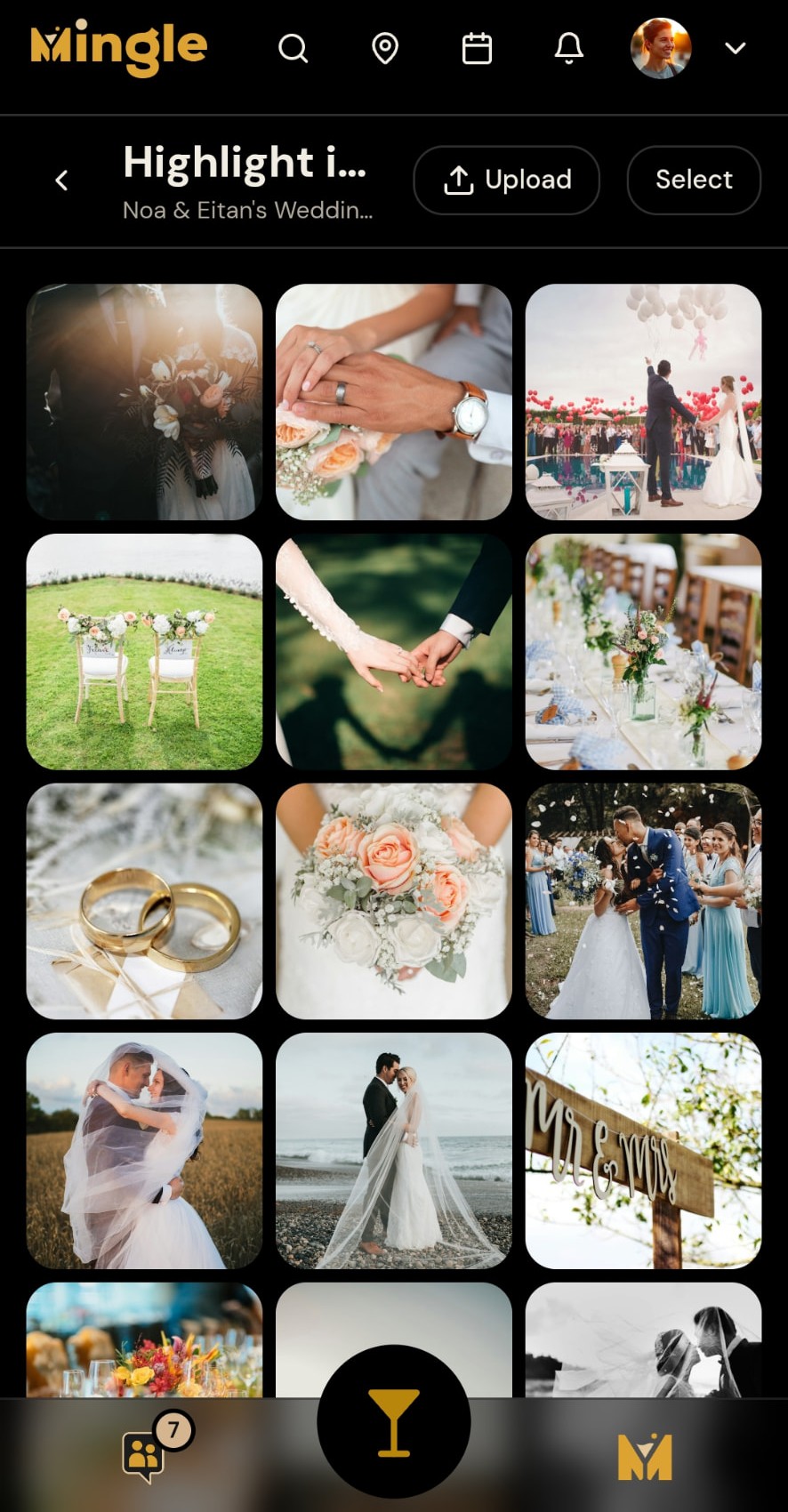
One shared wedding album
Photos and videos from every guest's phone collected in one place — no more chasing pictures after the party.
Mingle for weddings
Project the Mingle live event page onto a screen at your venue. Bring guest photos, highlighted videos, wishes in the live chat and wedding polls into the room, with a QR code guests can scan to join.
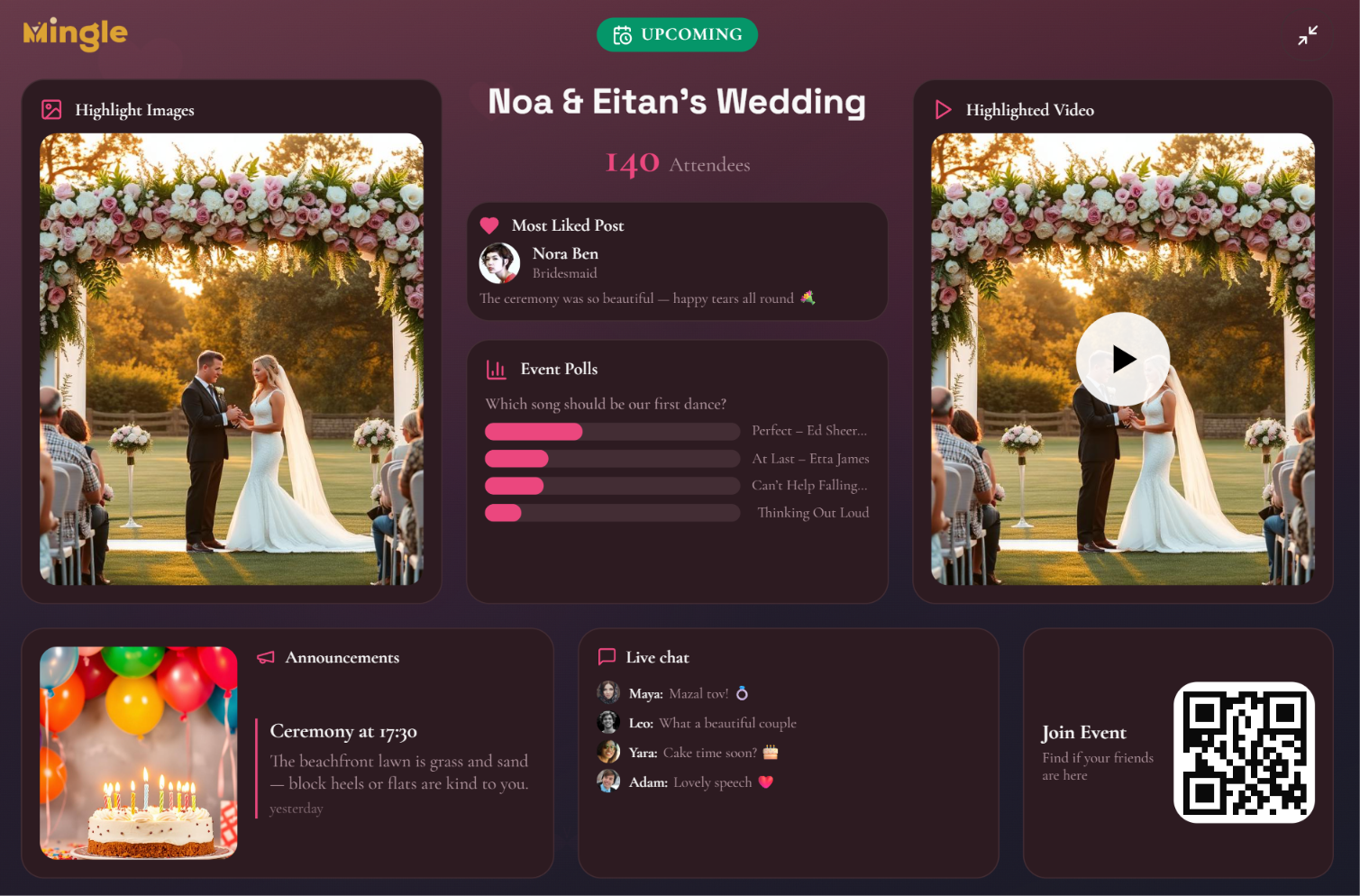
Guests scan and join in seconds. Available on iOS and Android.
Prefer not to install? Use Mingle at mingle-us.com.
Photos and videos from every guest's phone collected in one place — no more chasing pictures after the party.
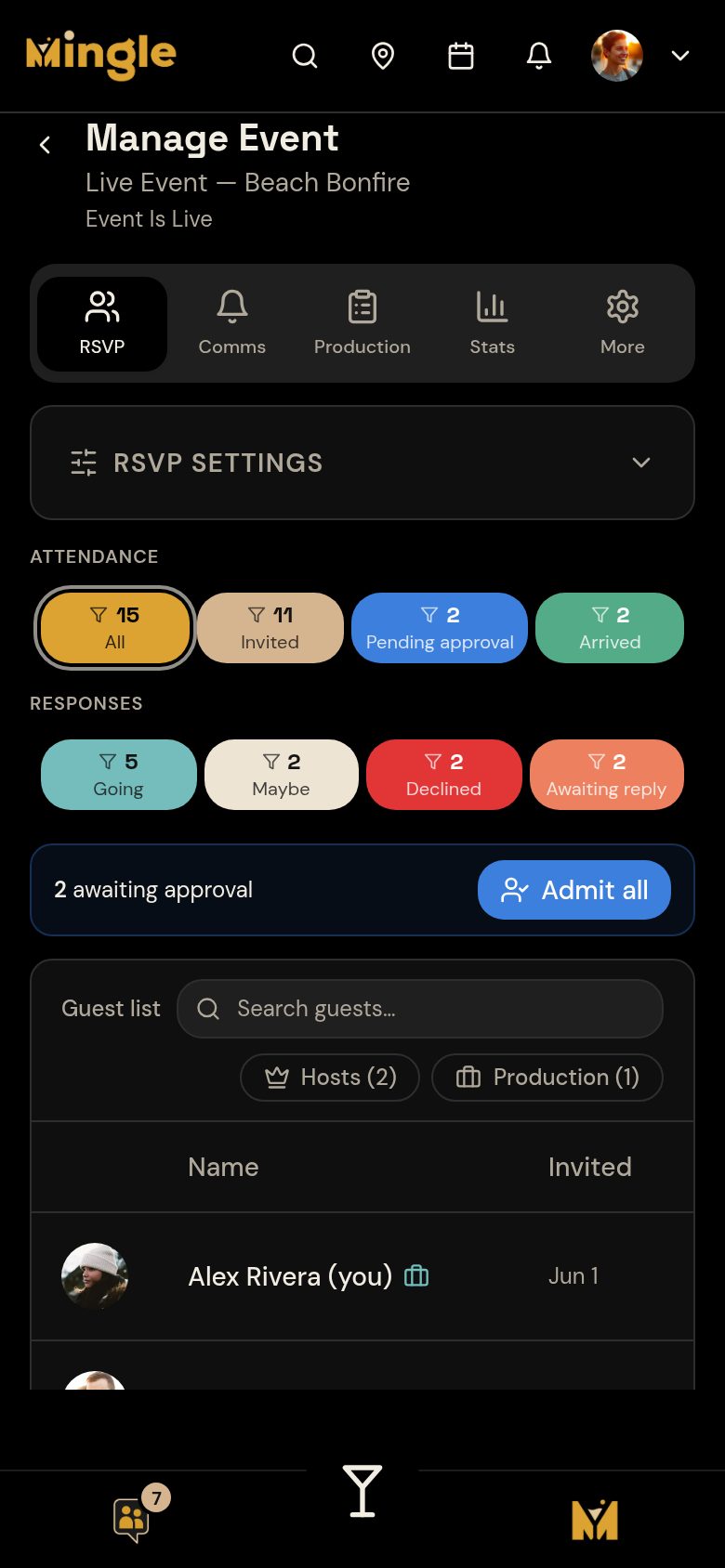
See who is going, who said maybe and who still hasn't replied, and approve plus-ones with one tap.
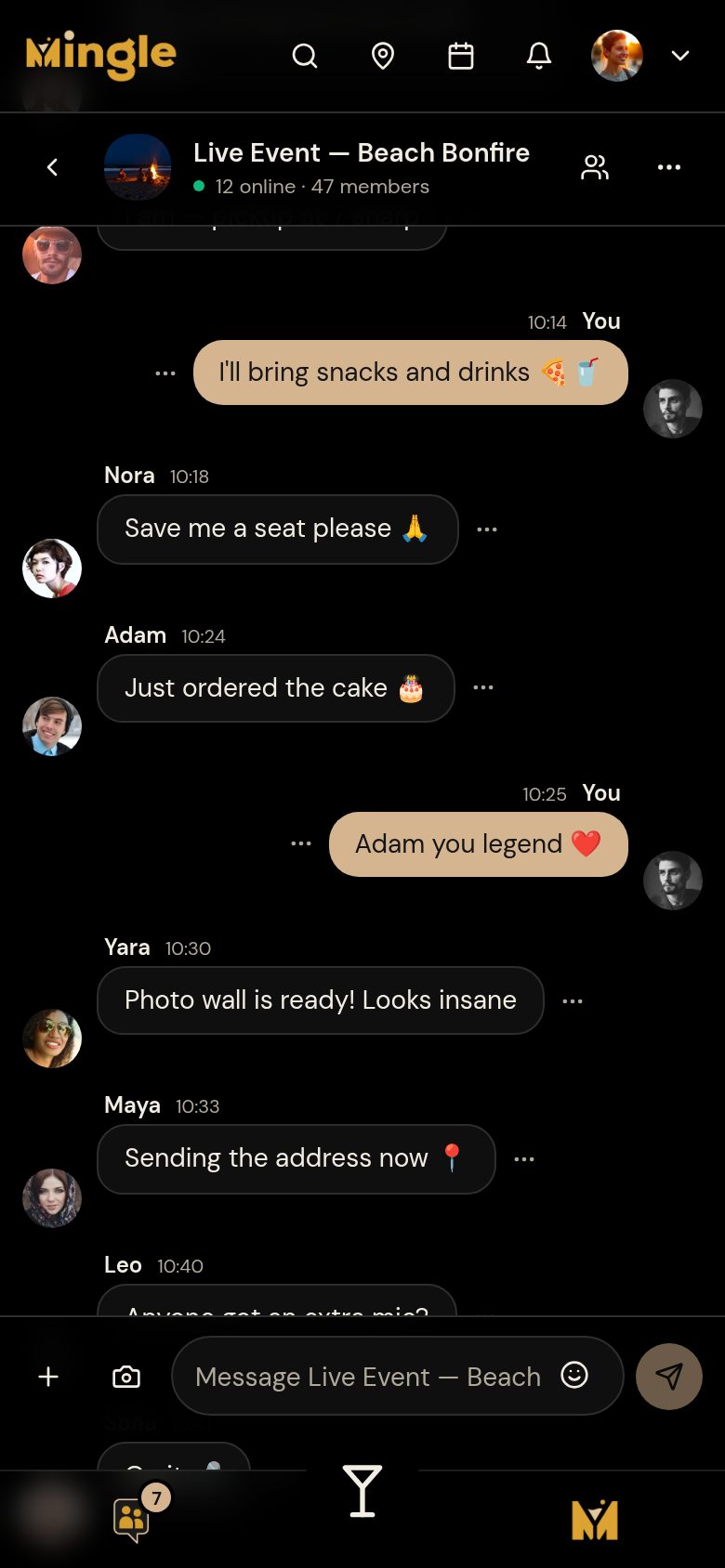
Guests leave wishes, toasts and messages for the couple in a chat everyone at the wedding can see.
Share the schedule, gift and payment links and the venue map alongside a QR code for arrival, so guests have everything they need on the day.
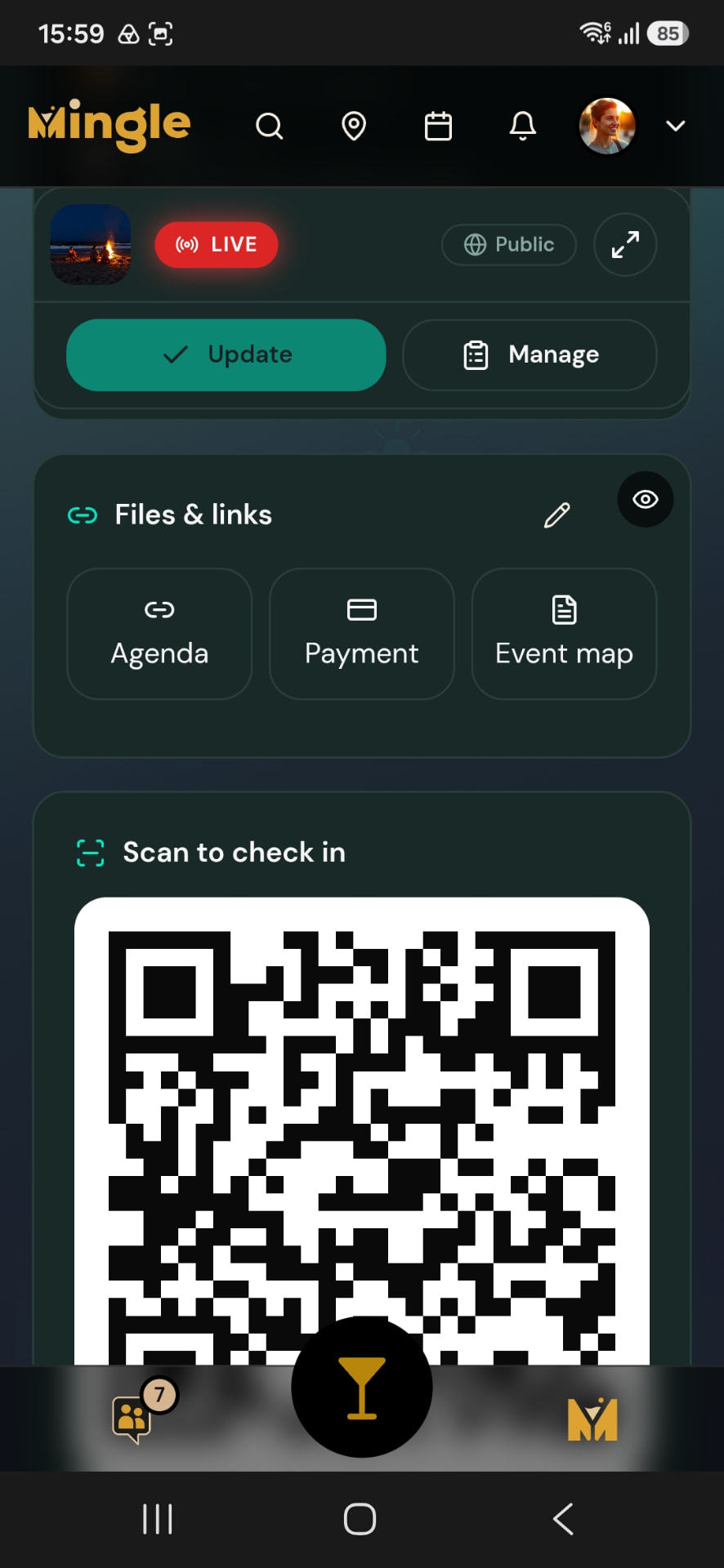
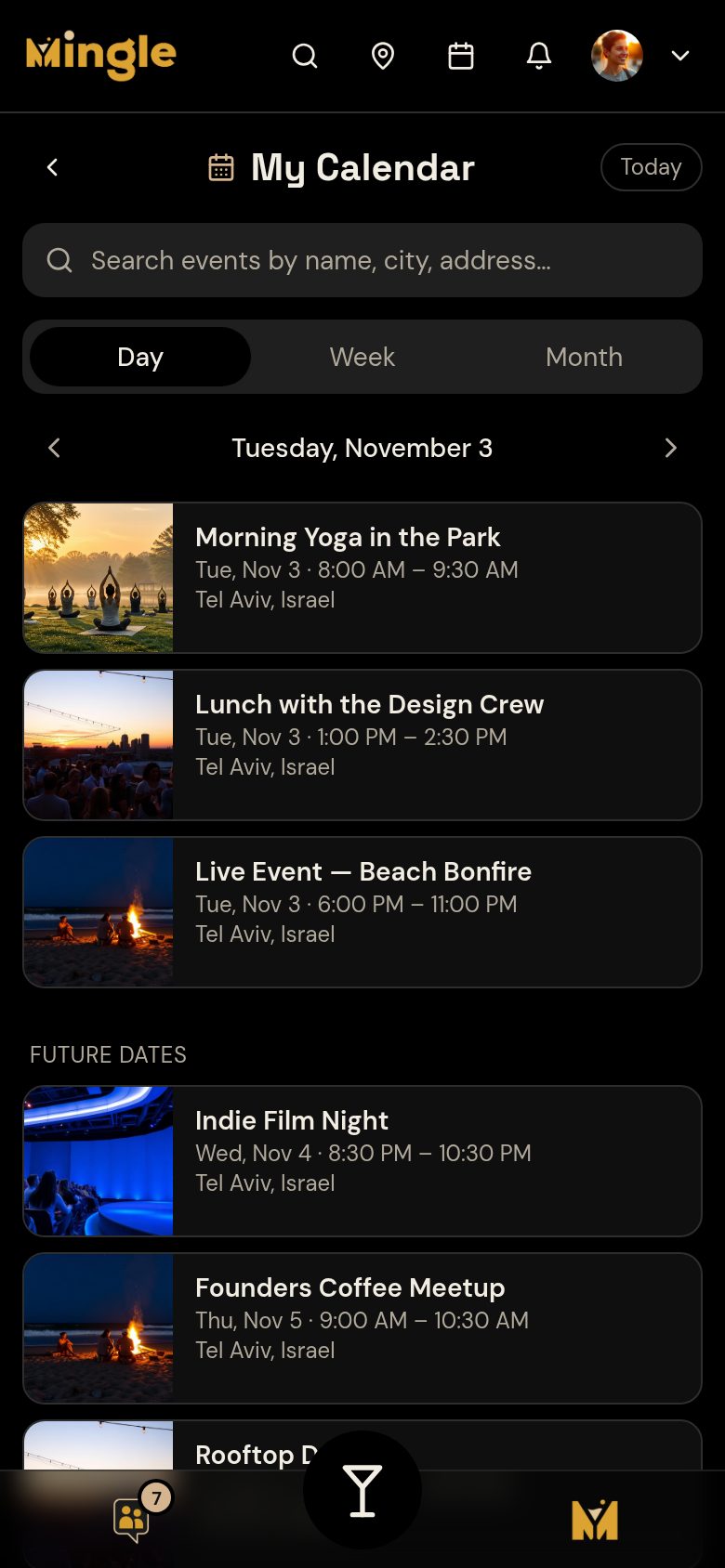
The event page holds the venue, the times and directions, and joining adds the wedding to each guest's calendar.
Get Mingle
Prefer not to install? Use Mingle at mingle-us.com.
Venues, agencies and organisers: tell us about the event and we will tell you honestly whether Mingle fits it.