
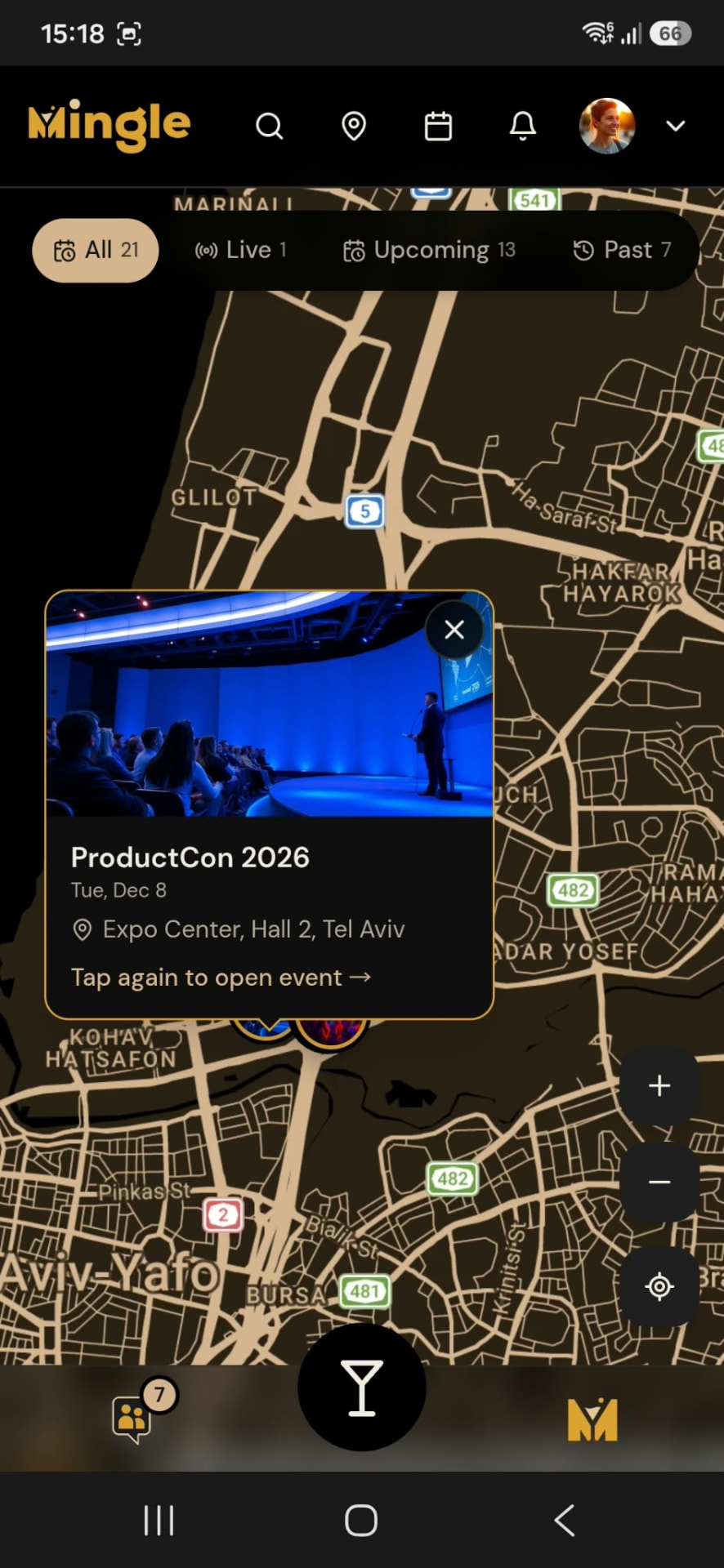
Find the conference on the map
Attendees discover your conference on the map, filter by live, upcoming or past events, and see a preview with the date and location before opening the event page.
Mingle for conferences
Project the Mingle live event page onto a screen in the conference hall. Display highlighted photos and videos, audience polls, announcements and live chat together, with a QR code for attendees to join from their phones.
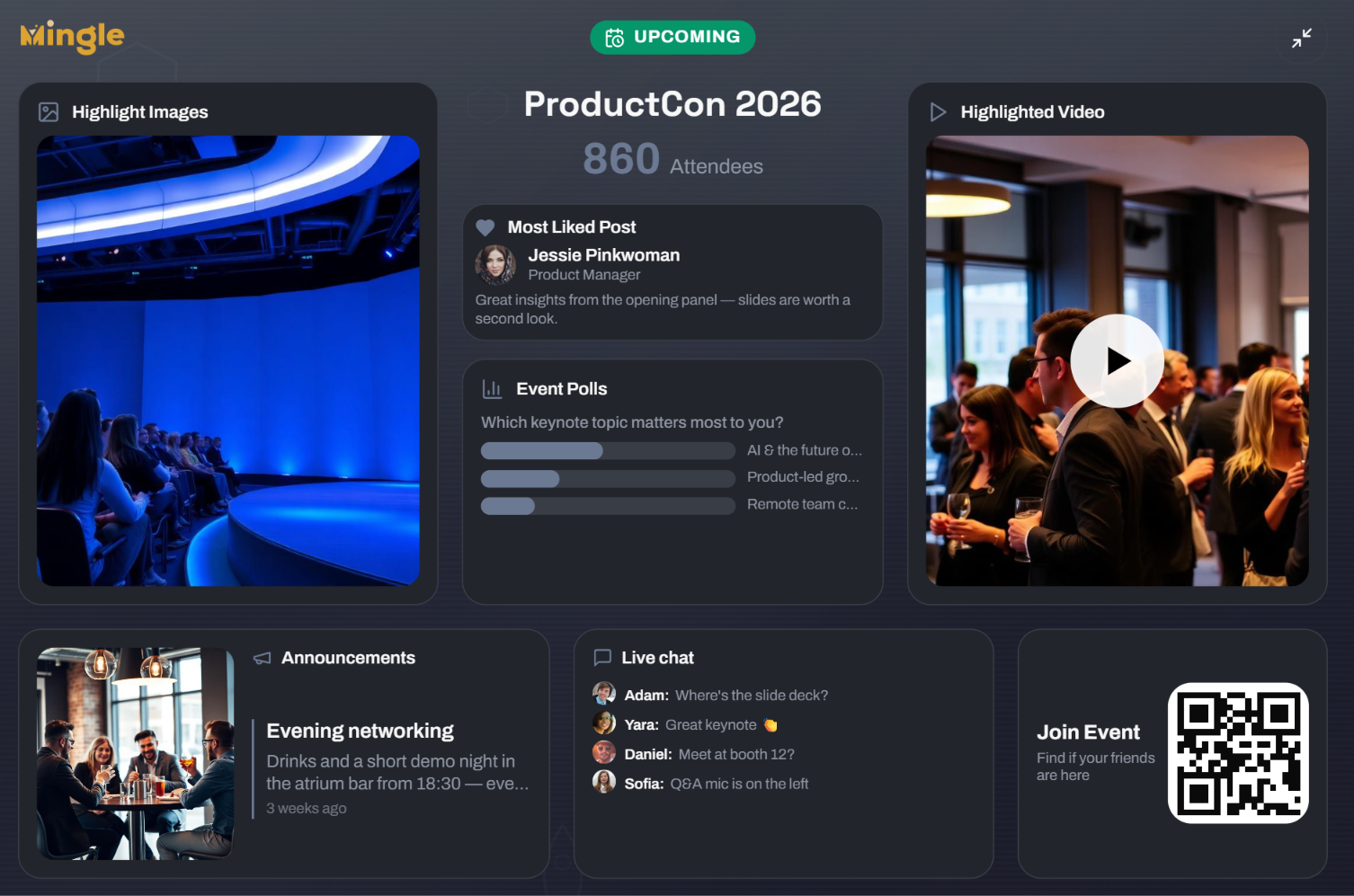
Guests scan and join in seconds. Available on iOS and Android.
Prefer not to install? Use Mingle at mingle-us.com.
Attendees discover your conference on the map, filter by live, upcoming or past events, and see a preview with the date and location before opening the event page.
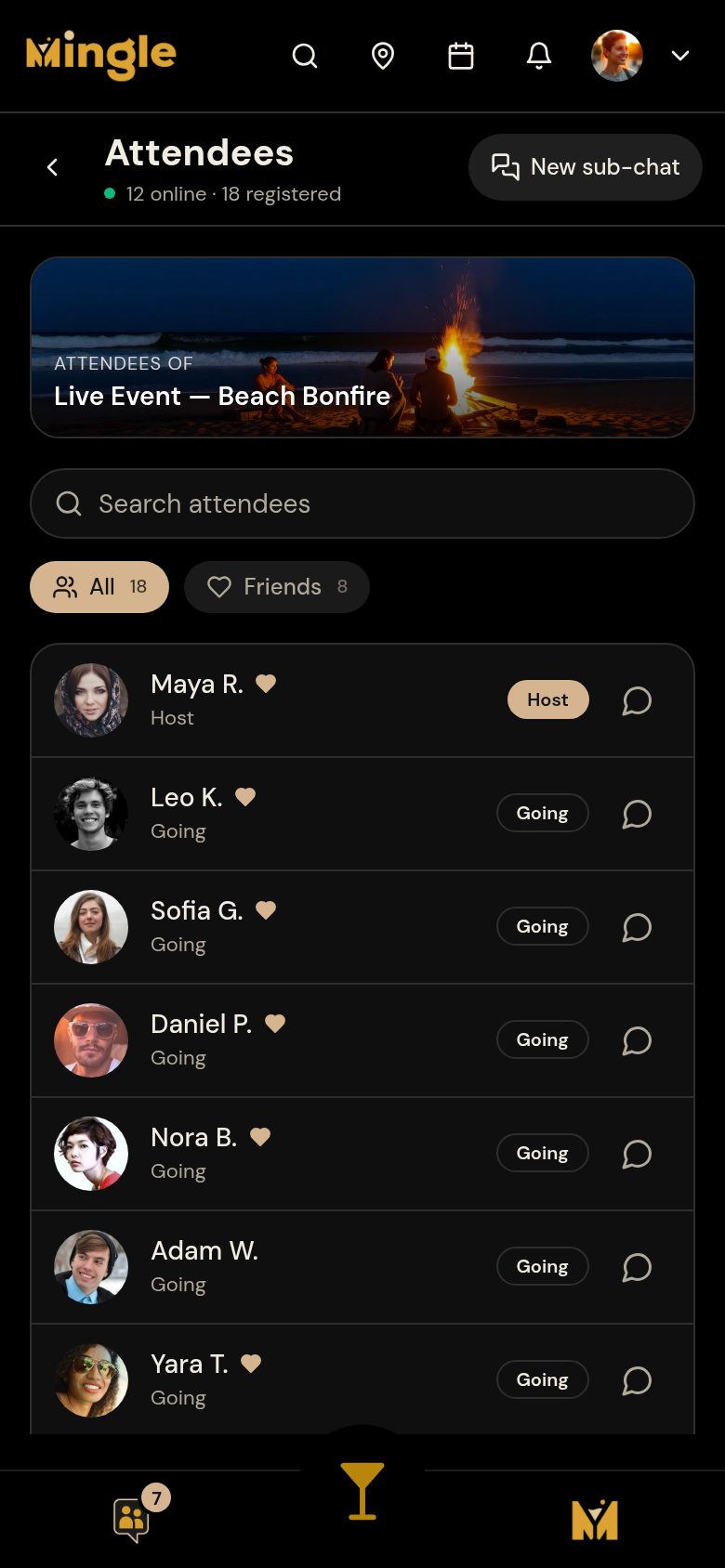
A searchable attendee list shows who registered and who is online, so people can find each other and start talking.
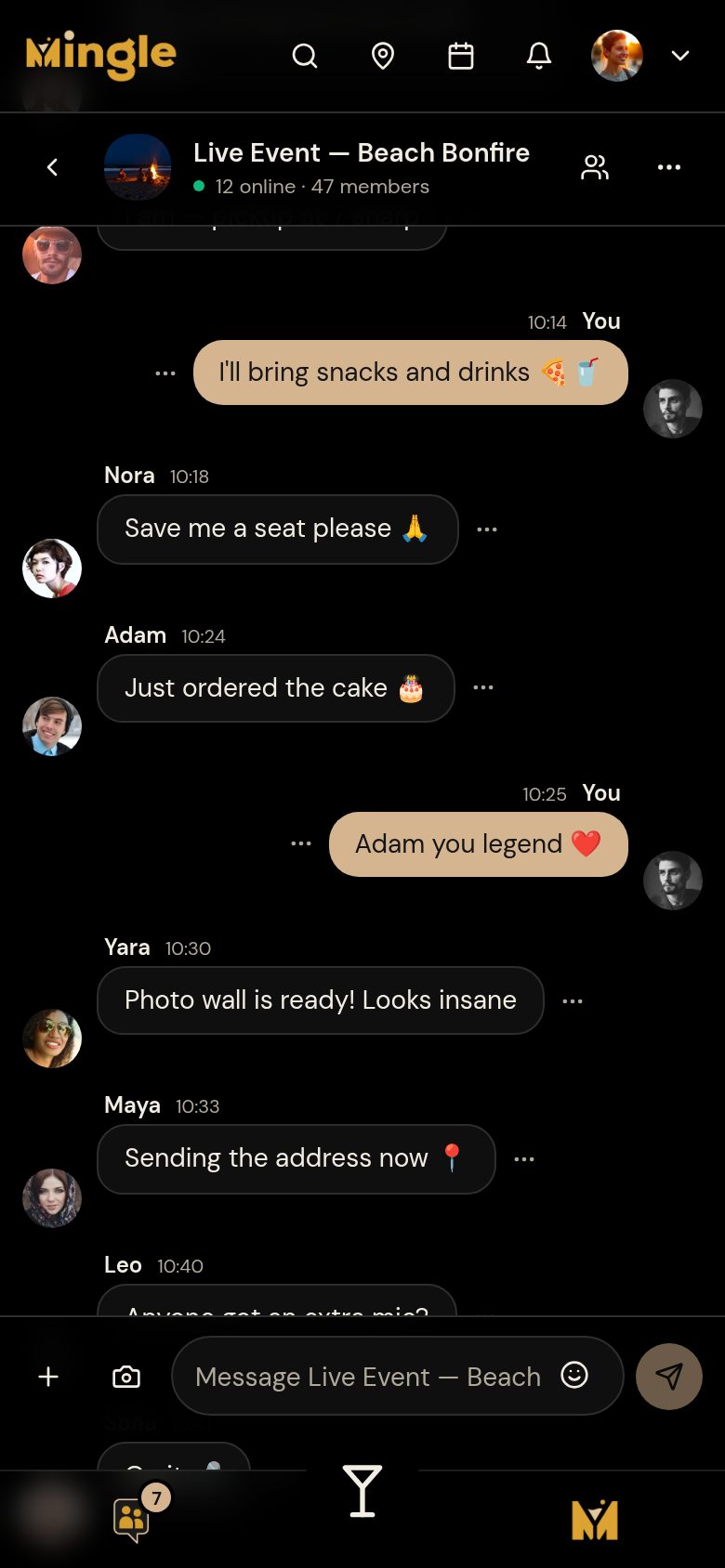
One chat for the whole conference plus smaller sub-chats for tracks, teams or speakers.
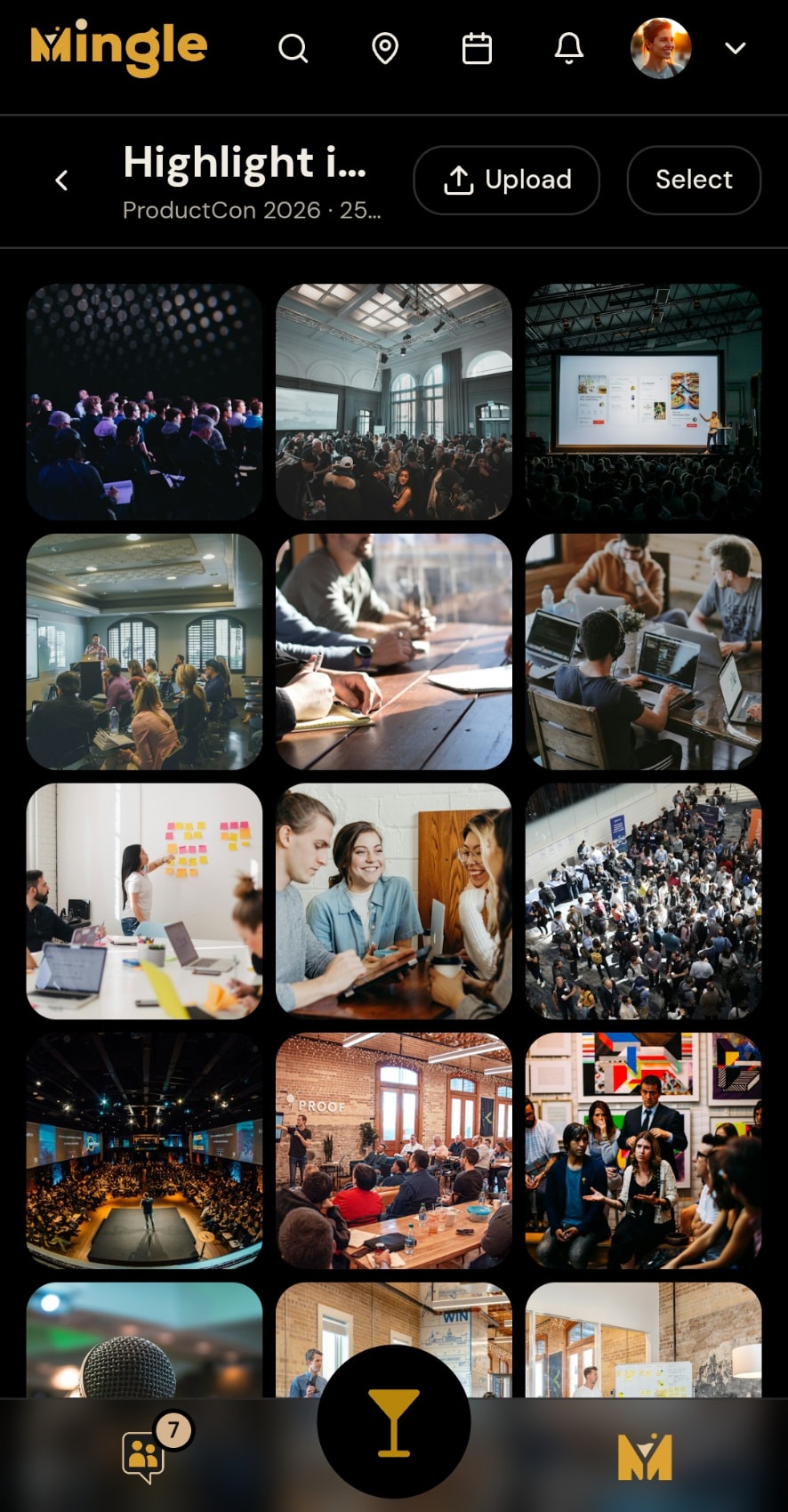
Attendees upload photos and videos from the sessions and everything lands in one album, so you have the pictures from the event before anyone asks for them.
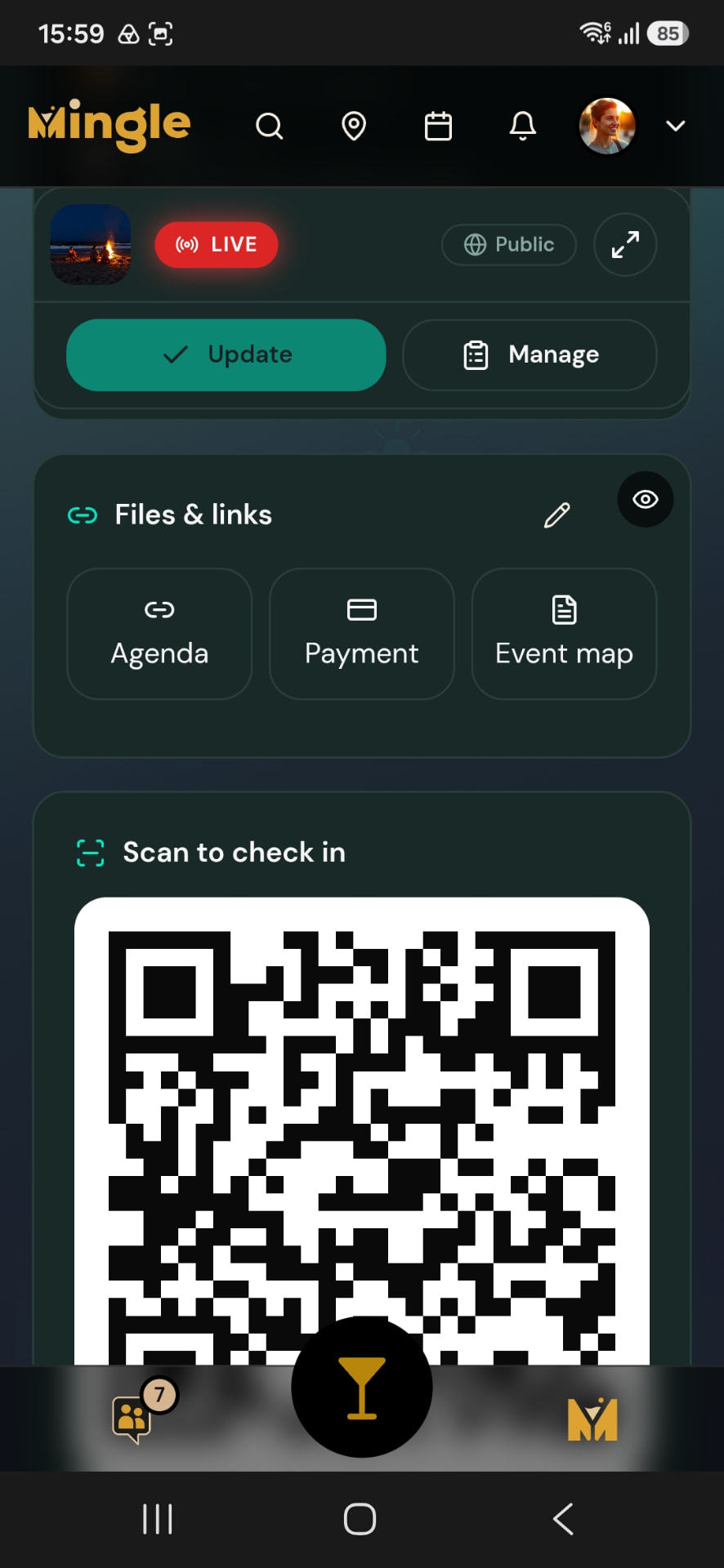
Put the agenda, ticket payment, venue map and speaker files on the event page next to a QR code for badge check-in.
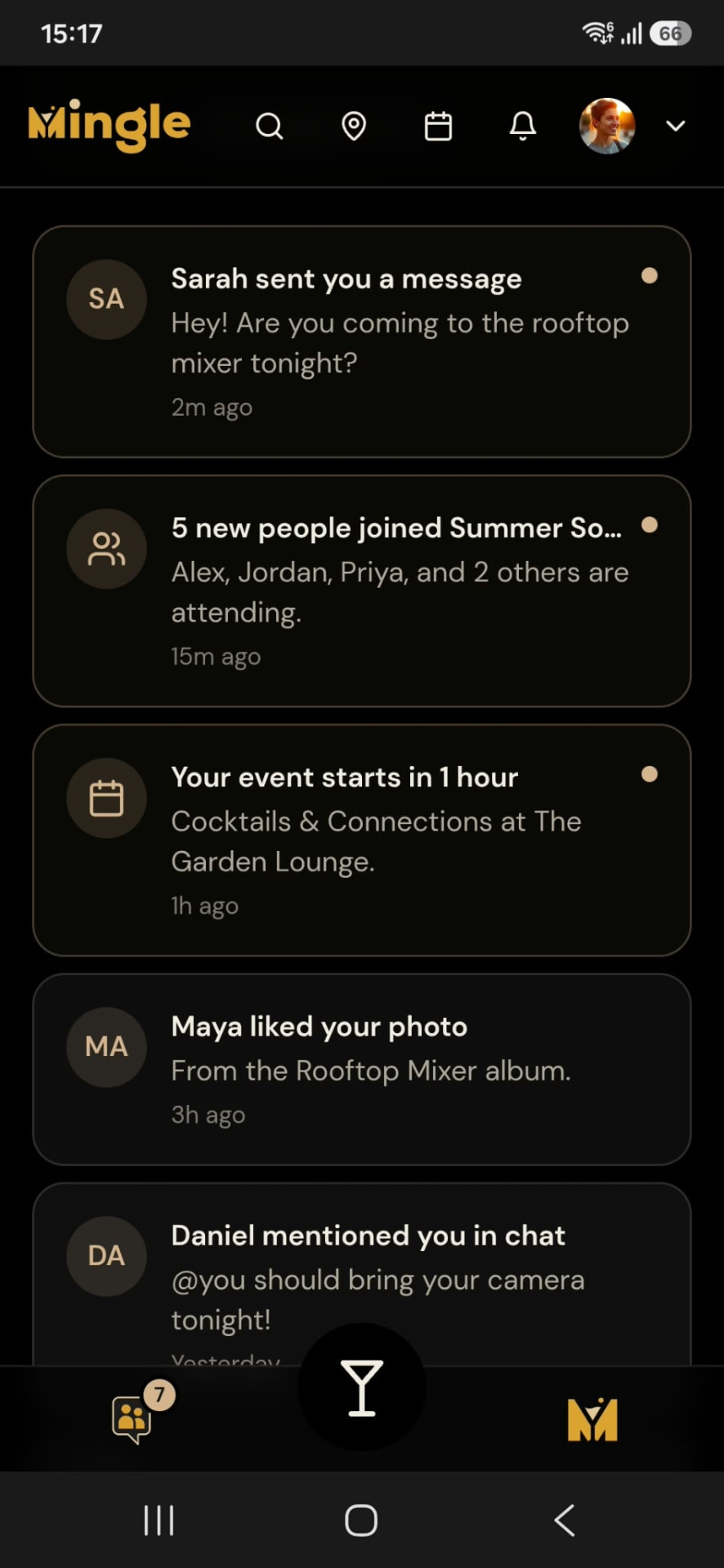
Room changes and session reminders go out as notifications straight to attendees' phones.
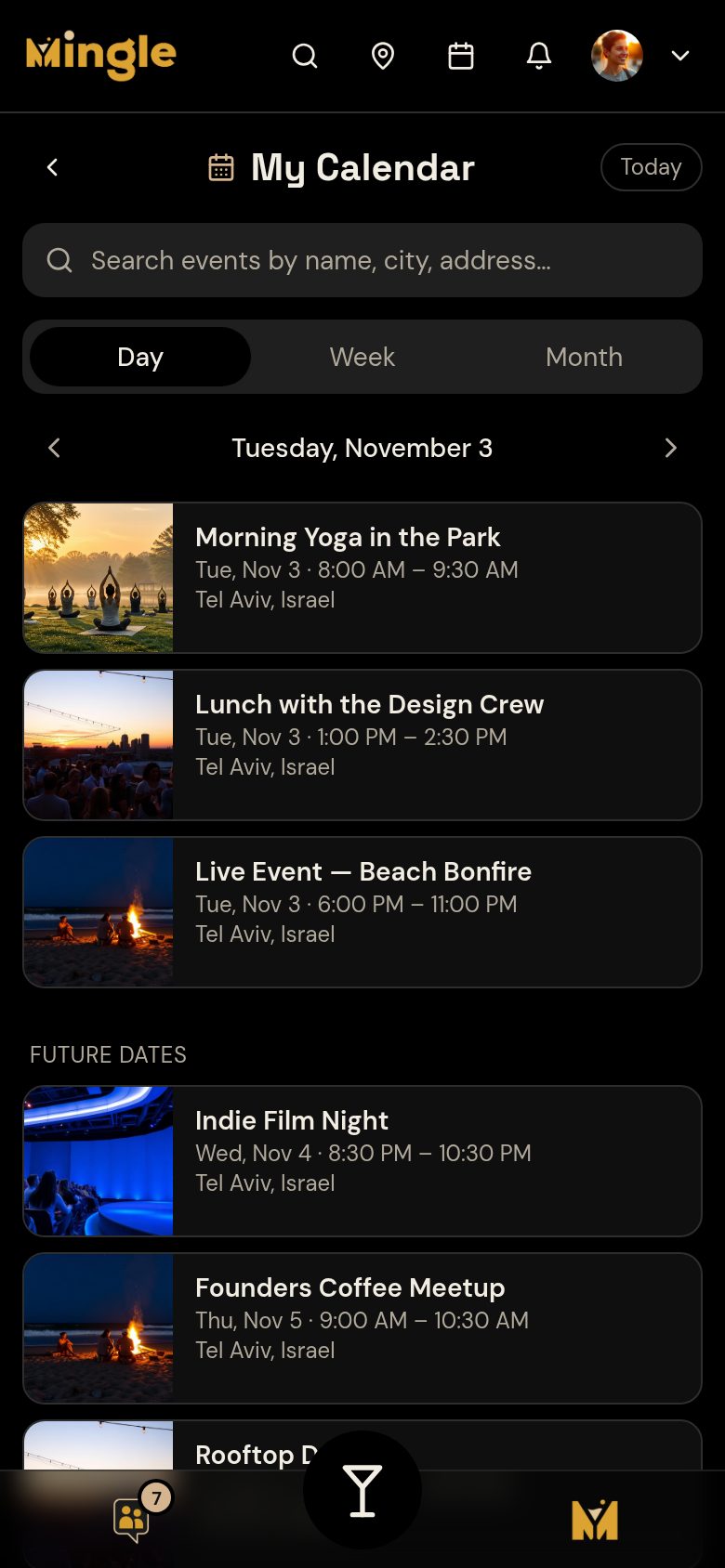
Attendees keep the day's events in a personal calendar view with times and locations.
Get Mingle
Prefer not to install? Use Mingle at mingle-us.com.
Venues, agencies and organisers: tell us about the event and we will tell you honestly whether Mingle fits it.