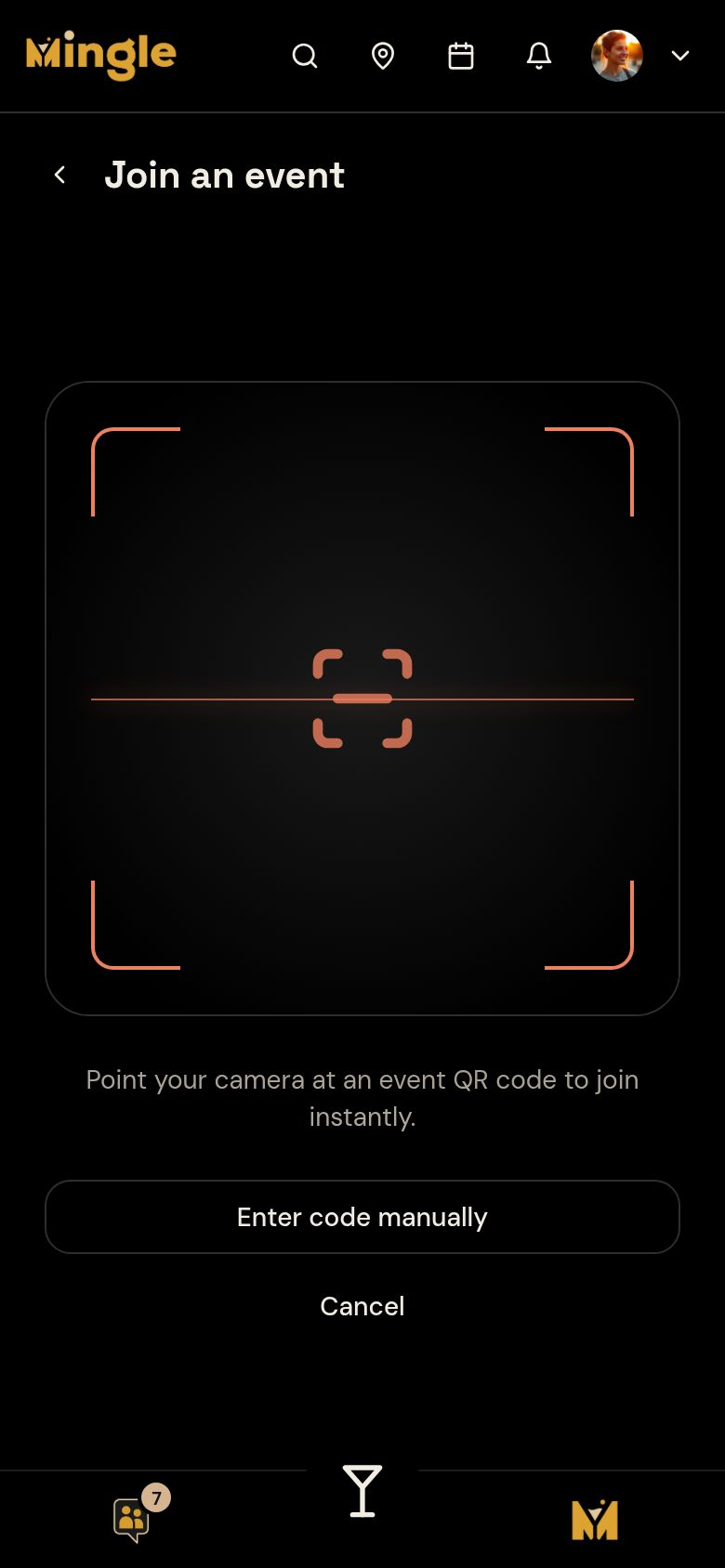
Join at the gate with a QR scan
No sign-up form in the queue — point the camera at the event code and you're in.
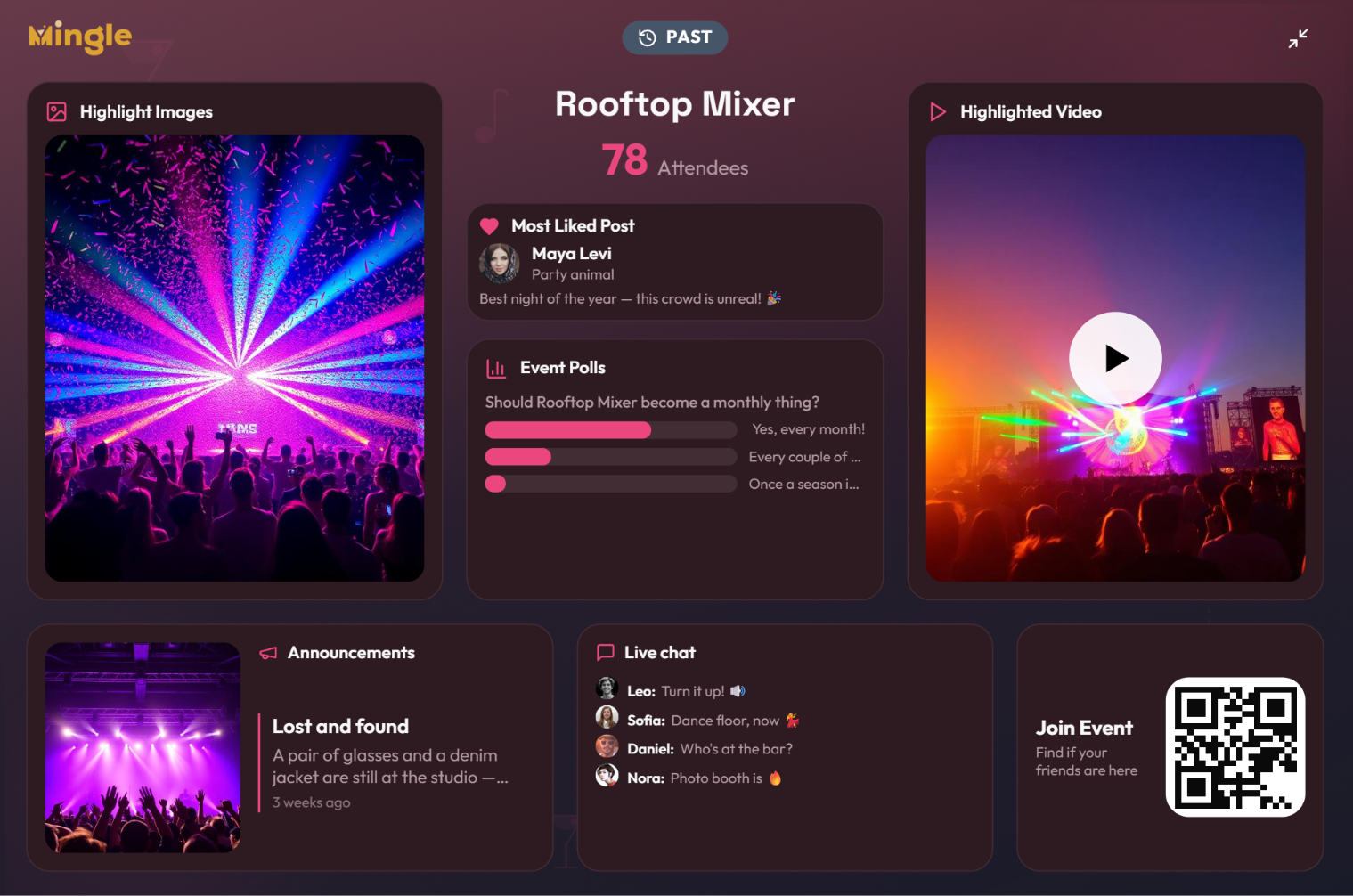
Mingle for festivals
Project the Mingle live event page onto a screen at your festival. Bring crowd photos, highlighted videos, polls, announcements and live chat together, with a QR code to join. This music-event example shows how the shared screen can look.
Guests scan and join in seconds. Available on iOS and Android.
Prefer not to install? Use Mingle at mingle-us.com.
No sign-up form in the queue — point the camera at the event code and you're in.
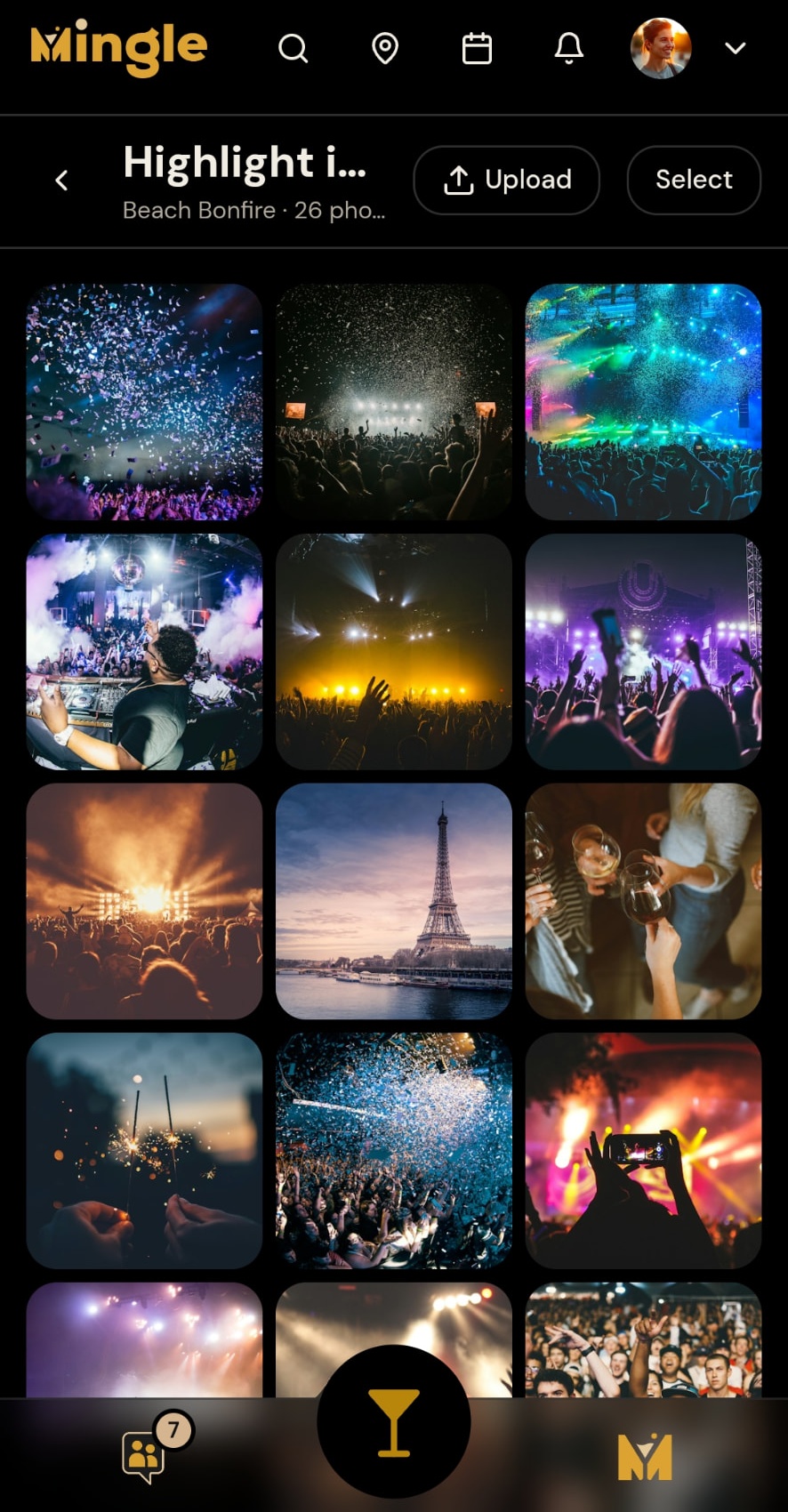
Every shot from the crowd collects in one live gallery that keeps the festival going long after the last set.
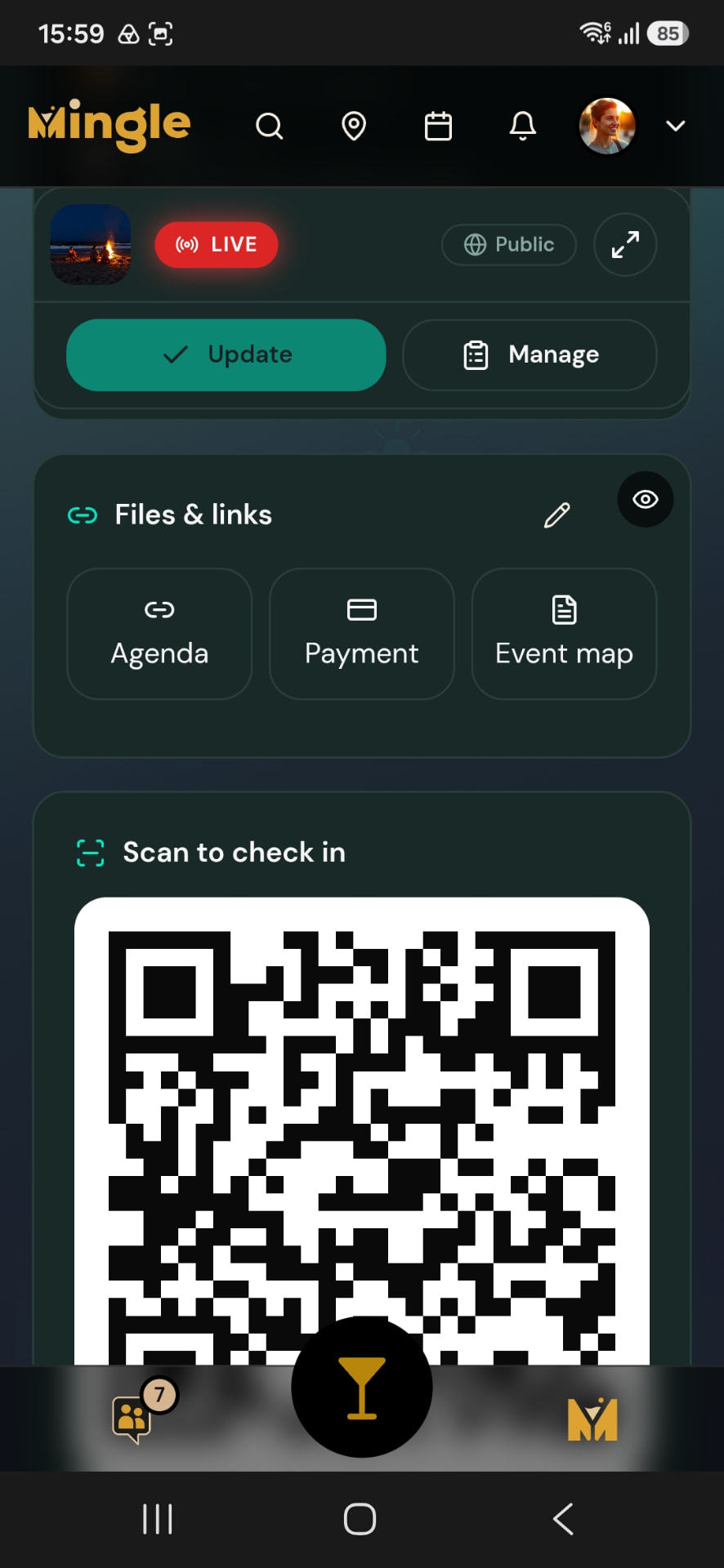
Share the line-up, ticket links and the festival grounds map with a QR code for entry, so the crowd finds stages, food and exits fast.
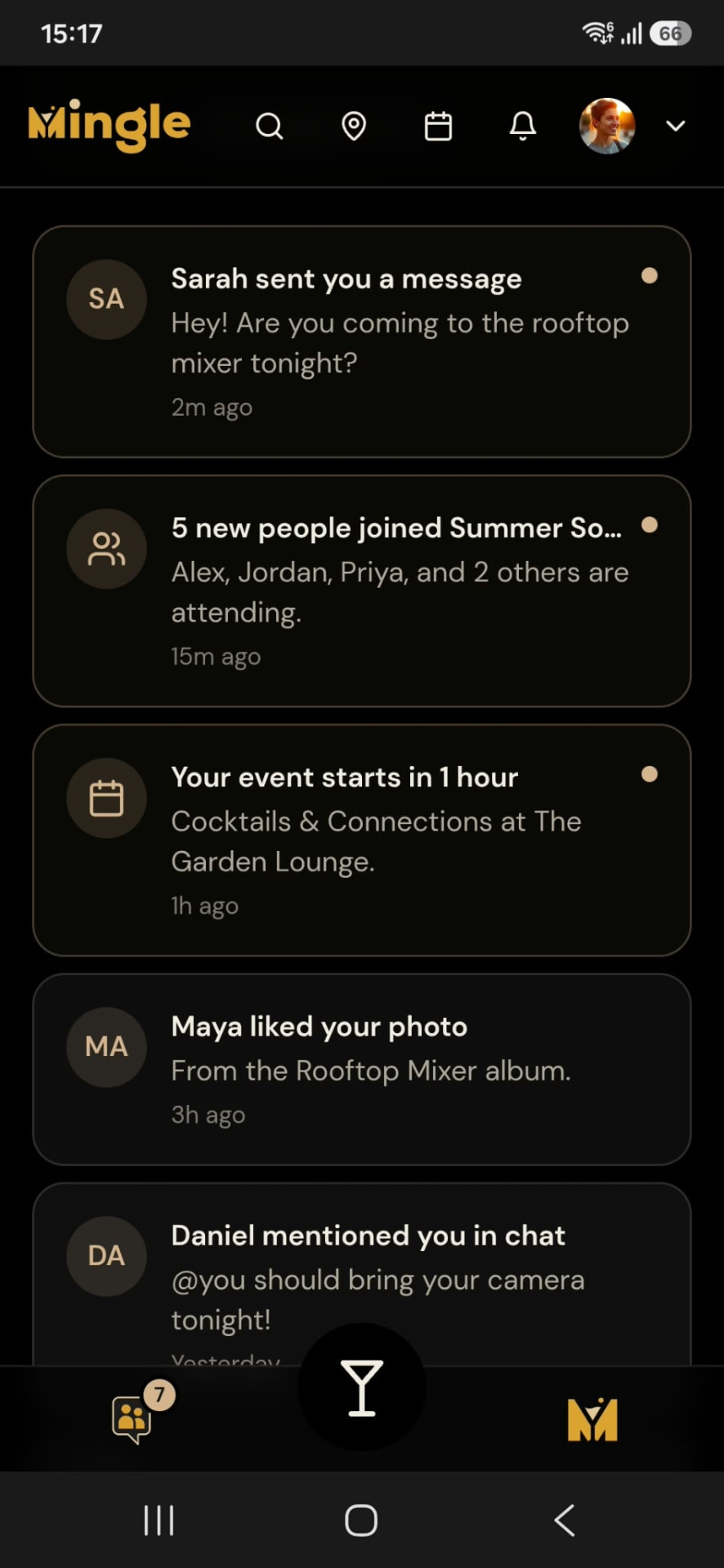
Set changes, weather warnings and surprise shows go out as instant notifications.
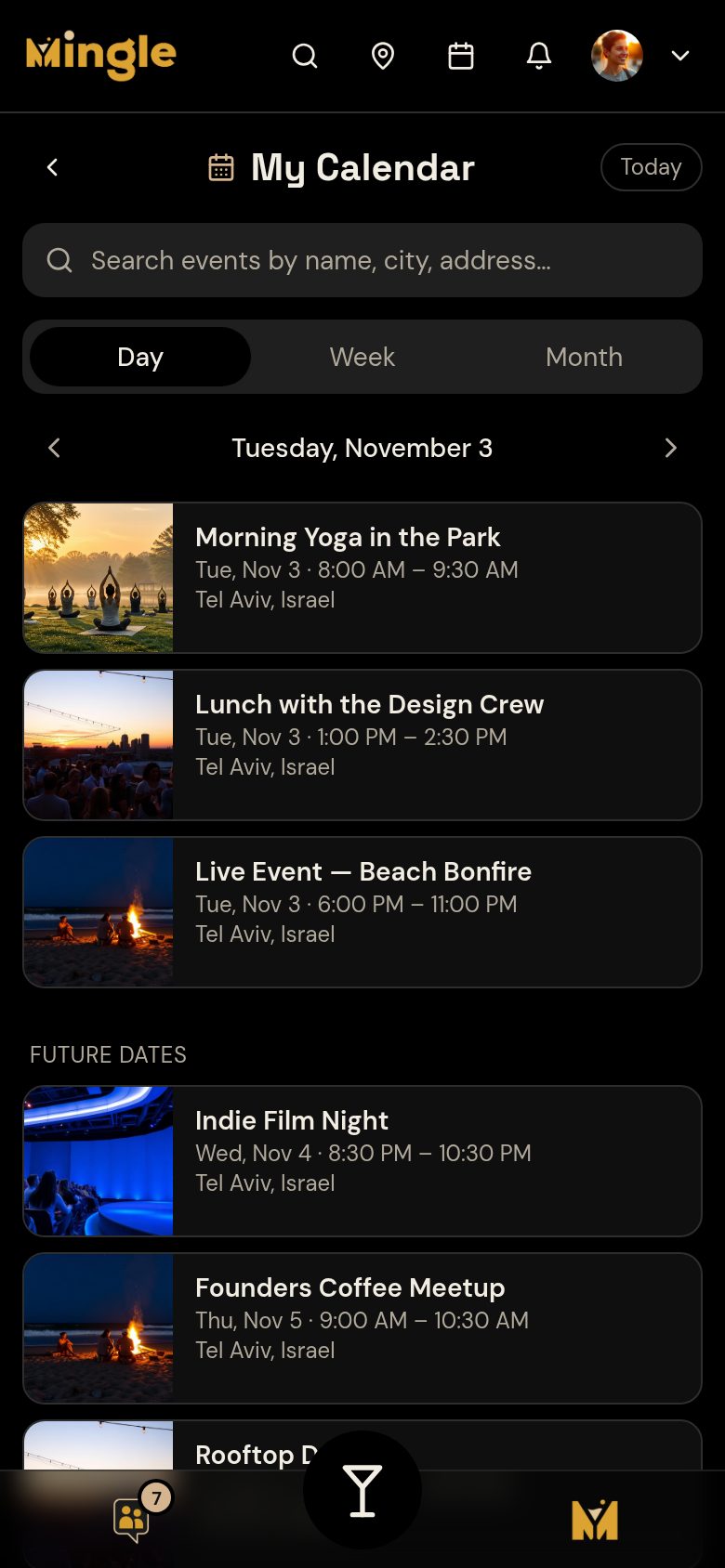
Fans see what's on today and what's coming up across the festival days.
Get Mingle
Prefer not to install? Use Mingle at mingle-us.com.
Venues, agencies and organisers: tell us about the event and we will tell you honestly whether Mingle fits it.