Your event, on the big screen
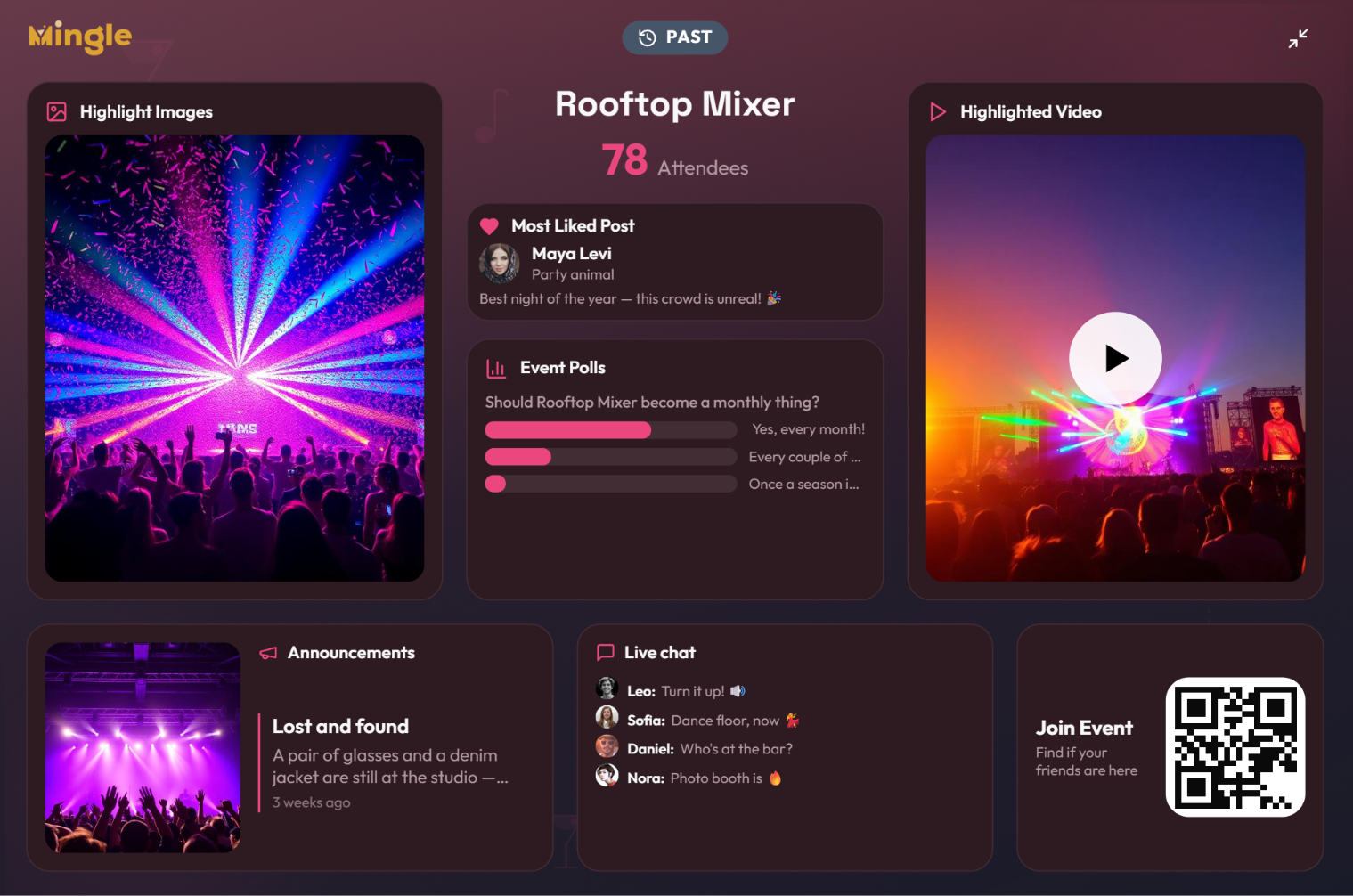
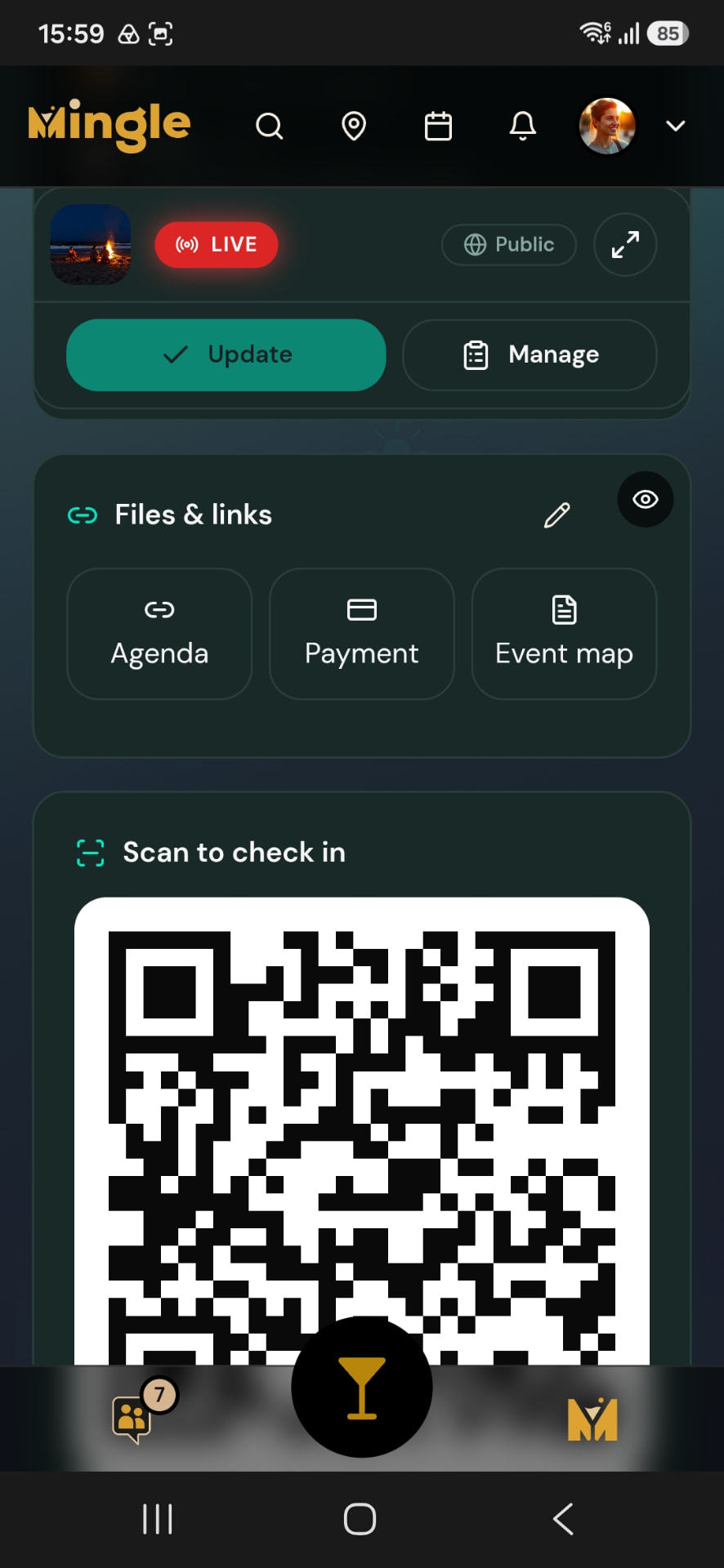
Project the Mingle live event page onto a screen in the room. Guest photos, highlighted videos, polls, announcements and the live chat all appear as they happen, with a QR code anyone can scan to join.

More tnan an event
Guests scan and join in seconds — no account needed. The app is available on iOS and Android.
Prefer not to install? Use Mingle at mingle-us.com.
Mingle turns any event into one shared space. Guests scan a code and they are in. Photos, videos, messages and updates from the room appear on the screen as they happen, and stay together in one archive afterwards.
Project the Mingle live event page onto a screen in the room. Guest photos, highlighted videos, polls, announcements and the live chat all appear as they happen, with a QR code anyone can scan to join.
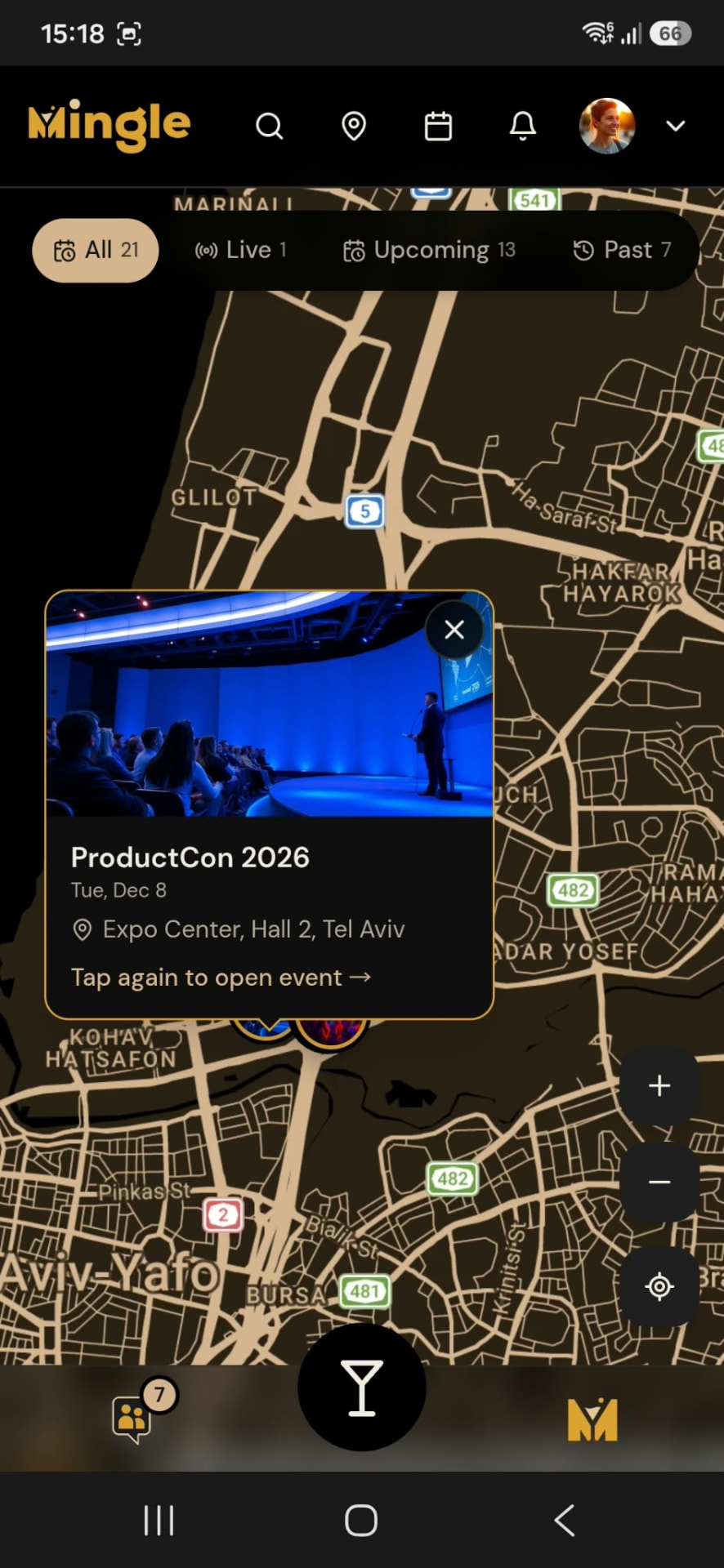
Attendees discover your conference on the map, filter by live, upcoming or past events, and see a preview with the date and location before opening the event page.
Share agenda, payment and event-map links alongside a QR code for check-in, so guests can find the details they need.
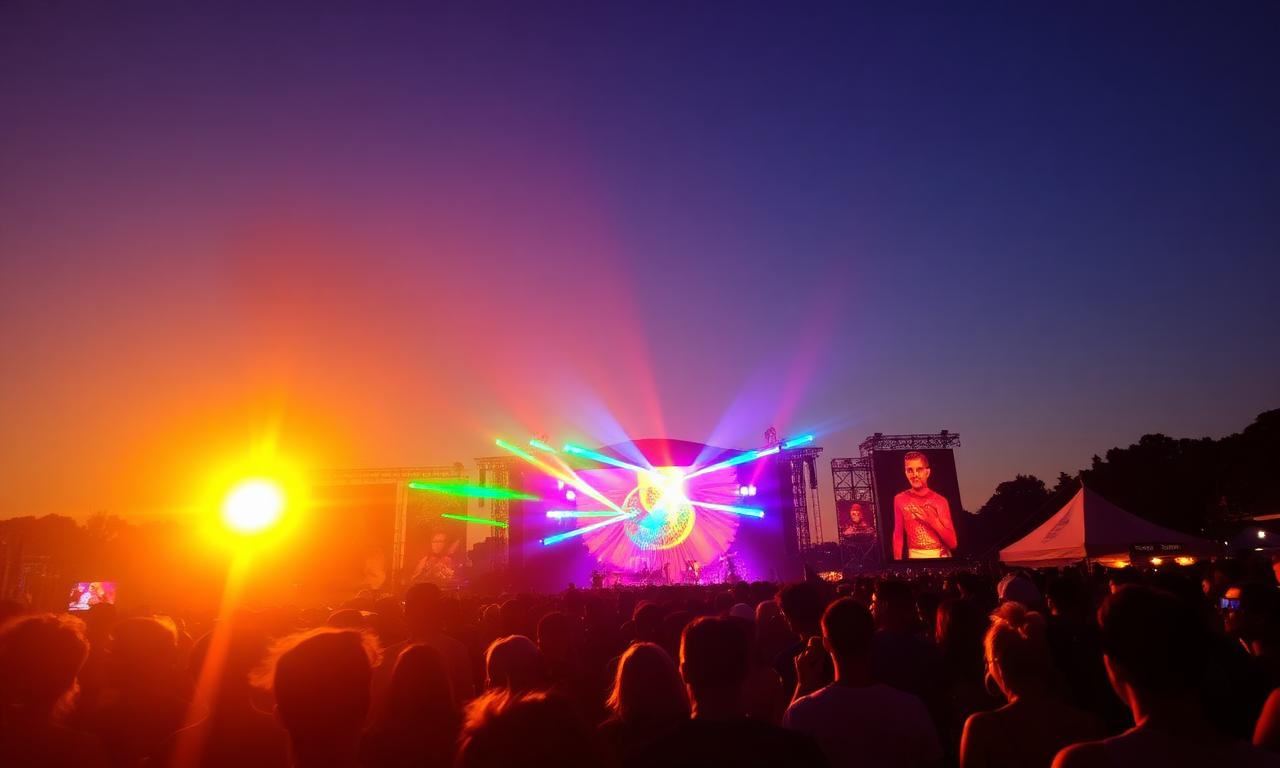
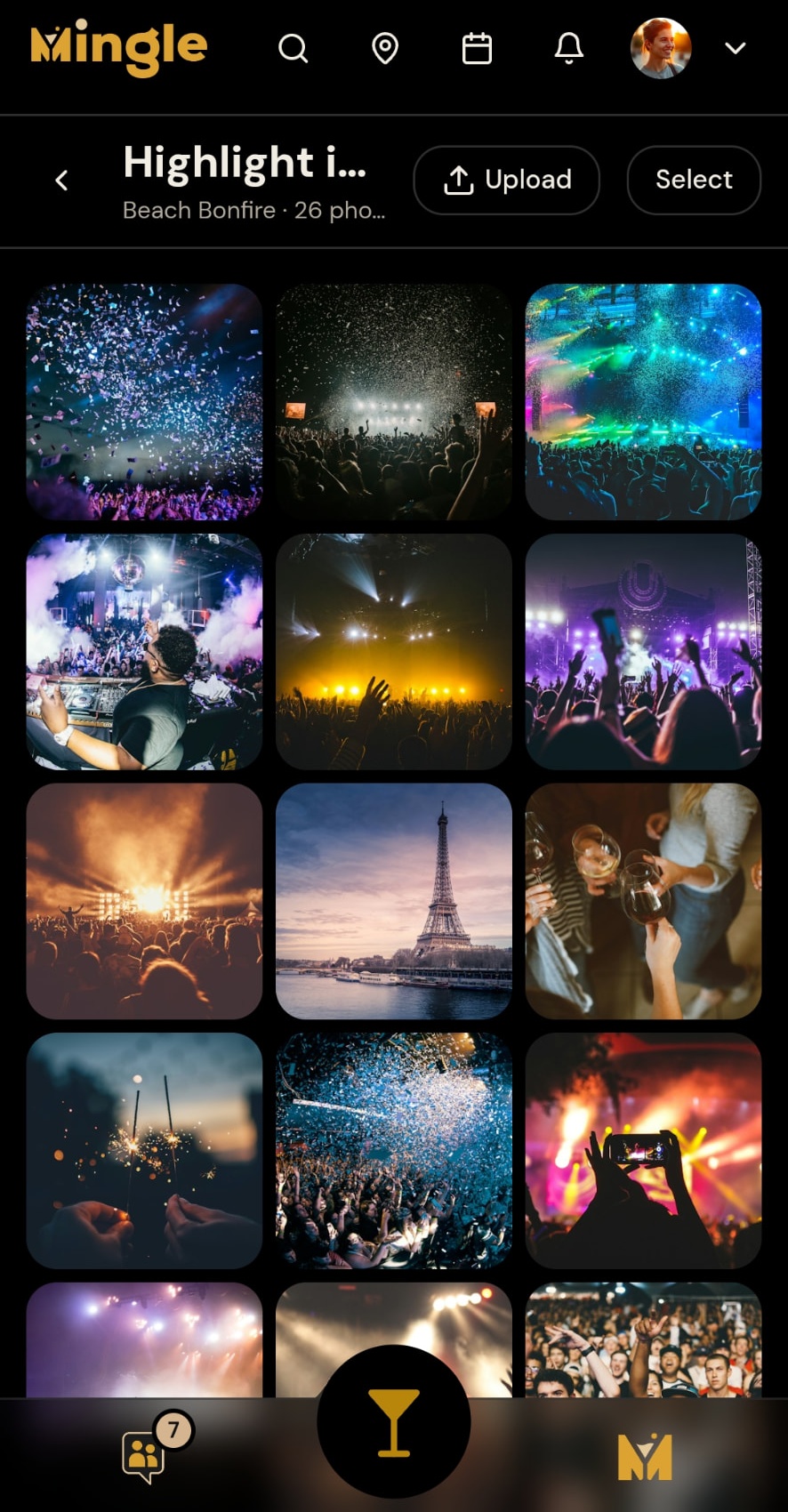
Every shot from the crowd collects in one live gallery that keeps the festival going long after the last set.
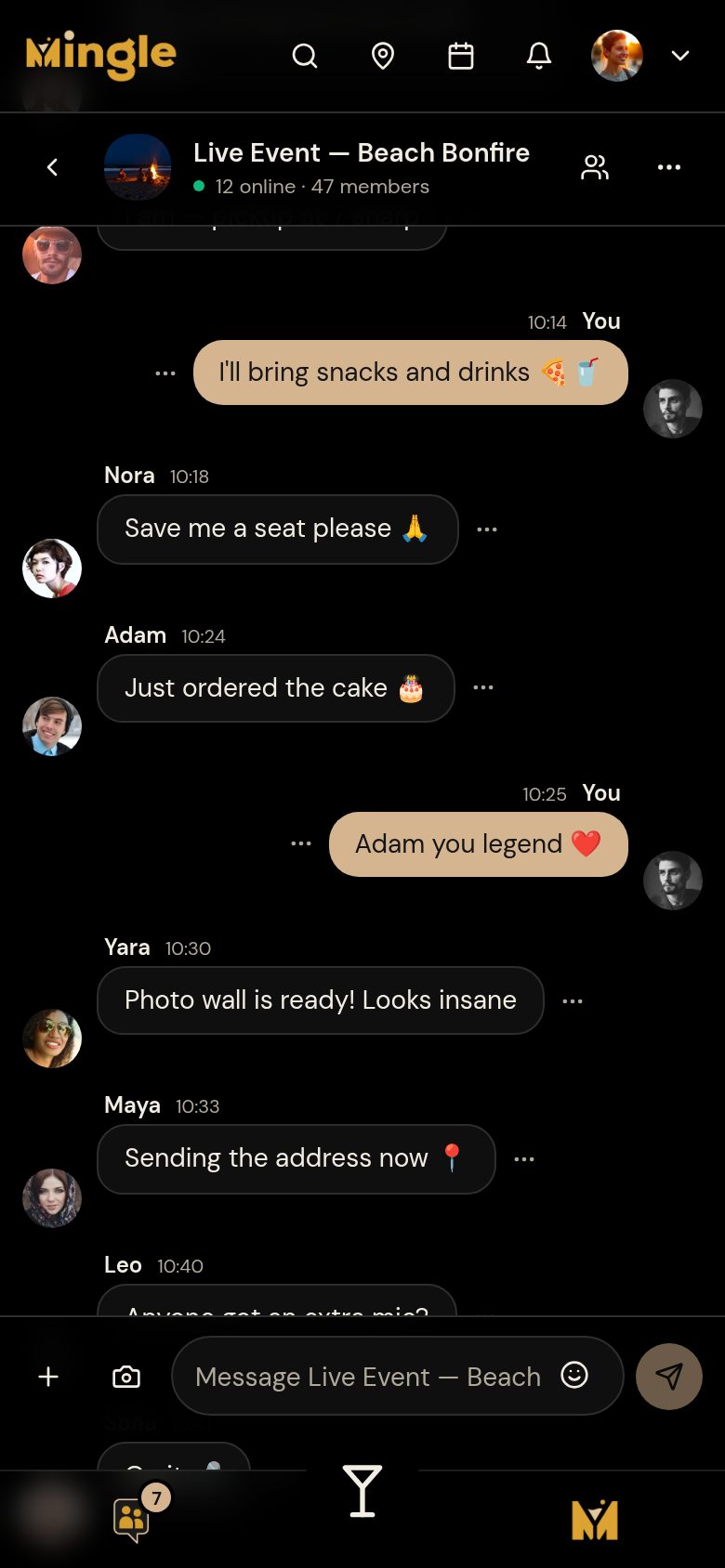
Talk to everyone at the event, start a private conversation with someone you just met, and get the host's announcements as notifications.
Every feature starts with a room full of people and the question of what would make them feel more connected in it.
Guests can view public content in viewer mode without signing in. Want to take part? Creating a profile takes just a few taps.
Photos, videos and messages appear where the event actually happens — on the screen in the room, live.
Get Mingle
Prefer not to install? Use Mingle at mingle-us.com.
Venues, agencies and organisers: tell us about the event and we will tell you honestly whether Mingle fits it.